Automatically publish show notes when your episode airs
Automate podcast show notes publishing in 2026: set a trigger, build a template, and publish on release day. Step-by-step setup with fixes for common errors.

.svg)
.svg)
Instead of copying timestamps, links and guest bios into your CMS every release day, set up a workflow that drafts and publishes your show notes the moment your episode goes live. This guide covers the 2026 setup: a trigger from your podcast host, a notes template, and a publish step to your website.
TL;DR
Show notes are the page Google can read. Audio is not. If notes go up two days after the episode, you lose the first days of search and sharing traffic on every release.
The fix is not writing faster. It is removing the manual handoff between "episode is live" and "page is live."
Automation needs clean inputs. That starts upstream: a finished edit, a final title and a locked description. Teams that run a done-for-you podcast production service get those inputs on a schedule, which makes the automation reliable. At Dialed Studios, editing is guaranteed within 48 hours, so notes can be finished before the release date, not after.
Automation publishes whatever you feed it, so structure comes first.
mm:ss - topic format, one per line.Expected result: every episode has a complete, consistent row before release day.
Expected result: the test returns real data from your most recent episode.
This step matches the live episode to the notes you wrote.
Expected result: the workflow pulls the right notes for the right episode. If the lookup comes back empty, titles do not match exactly. Fix that before moving on.
Expected result: a formatted draft post appears in your CMS within minutes of the episode going live.
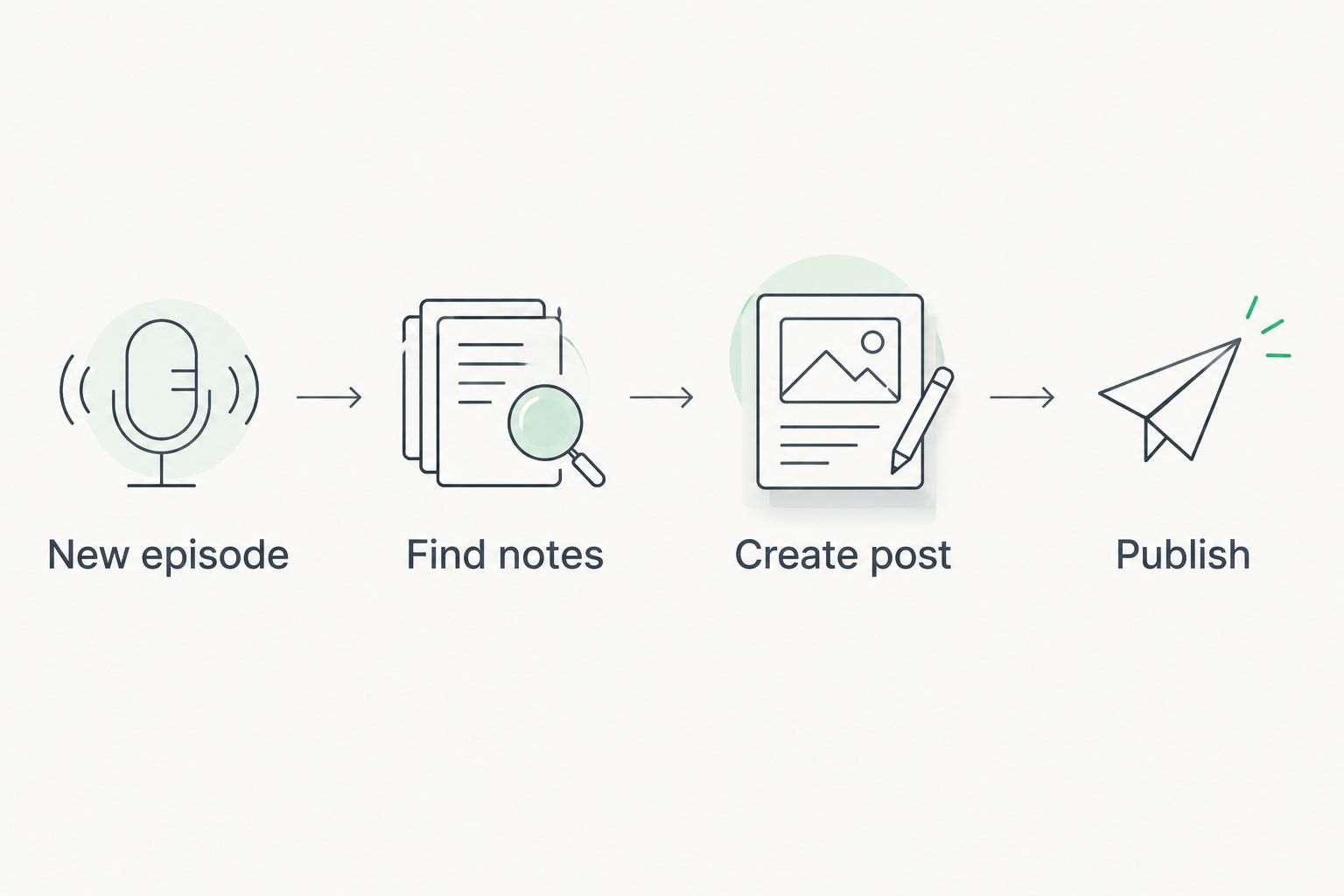
The workflow is a straight line: trigger, lookup, create, publish.
Run the draft version for five episodes. Check formatting, embeds and links each time. When five in a row come through clean, change Status from Draft to Published.
Keep one safeguard: send yourself a notification when the post goes live, so a broken page never sits unnoticed.
Sometimes you fix a typo or add a link after release. Set up a second workflow:
Expected result: edit the spreadsheet once and the live page follows. No second trip into the CMS.
Once show notes publish themselves, extend the same trigger.
Get episodes ready to automate
Dedicated producer and engineer, 48-hour editing, custom branded sets.
Can you fully automate podcast show notes?
You can automate publishing, not writing. The workflow publishes notes you supply in a template. Writing the summary and timestamps stays a human step.
What tool should I use to automate podcast show notes publishing?
Any tool that reads an RSS feed and writes to your CMS works, including Zapier and Make. Pick the one that already supports your website platform.
Should show notes publish as a draft or live?
Start as a draft. Move to live publishing after five episodes come through with correct formatting, embeds and links.
Where should I write show notes?
Write them in a spreadsheet or in your host's description field. Either gives the automation a stable source to read.
Why do show notes matter for search?
Search engines read text, not audio. A notes page with a summary, timestamps and links gives each episode something to rank.
How do I stop duplicate posts?
Add a filter step that checks whether a post with the same title exists. If it does, the workflow stops.
Does editing speed affect automation?
Yes. Notes need a finished edit for accurate timestamps. Dialed Studios guarantees editing in 48 hours, so notes are complete before release.
Write your timestamps from the final edit, not the raw recording. A single cut moves every marker, and an automation publishes wrong timestamps just as fast as right ones. That is why production and notes belong in one pipeline. If you want the whole chain handled, see the raw footage to published episode editing workflow.