Video production for real estate agents: complete 2026 guide
Video production for real estate agents: use property footage for listings and studio video for expertise. Compare workflows, plan edits, and track inquiries.
.svg)
.svg)
Real estate agent video production is the planning, recording, and editing of videos that help buyers and sellers understand properties, evaluate your expertise, and decide whether to contact you. This guide to video production for real estate agents separates listing footage from personal-brand content and shows you how to build a repeatable production workflow in 2026.
TL;DR
Your property videos and your expertise videos have different jobs. A listing tour shows the home; an explanation of inspection negotiations shows how you think. Do not ask one video to do both jobs.
Real estate content also has a maintenance problem. A property's status changes, market commentary ages, and transaction advice needs context. Your production process must distinguish reusable education from information that needs checking before every publication.
For Denver agents considering interviews alongside short videos, the guide to podcast studios for real estate professionals covers that recording format.
The practical benefit of a planned workflow is control: you know what to record, what needs approval, and what the viewer should do next. For your 2026 content plan, build around questions you actually receive in consultations rather than topics chosen only because they sound popular.
Start with your recent conversations. Write down the questions buyers ask before a showing and the questions sellers ask before signing a listing agreement. Use those questions to choose an audience for each video.
A first-time buyer explanation and a seller preparation video need different openings. Name the situation immediately, then give the answer. End with an action that fits the topic, such as requesting a preparation checklist or discussing a specific property.
Give every video one primary job. A video that tries to introduce your business, explain financing, and promote a listing forces the viewer to sort out the message.
Create a simple brief before choosing equipment:
Use your phone to test explanations before arranging a larger production. Record somewhere quiet, review the sound, and check whether the opening answers the question without a long introduction. The first test is about clarity, not elaborate visuals.
Property footage needs a different plan. You must show the actual home, arrange access, and decide which features deserve attention. A studio interview cannot replace footage that establishes the property's layout and condition.
Create separate content tracks for your 2026 schedule. Keep listing-specific assets together so you can update or retire them without removing useful educational videos.
A practical content map includes:
The manual route is straightforward: write your outline, set up your recording, capture the footage, and edit it yourself. That route gives you direct control, but it also makes you responsible for every production task.
If recording and editing interfere with client work, evaluate a done-for-you team. Dialed Studios provides podcast and video production in Denver with fully customized branded sets, a dedicated producer and engineer, editing, and content strategy. Its guaranteed 48-hour editing turnaround gives you a concrete delivery commitment to discuss when planning publication.
Dialed Studios is best for Denver real estate agents who want done-for-you studio video production rather than room rental. The boundary matters: studio content supports your expertise and personal brand; property footage still needs a separate capture plan.
Before choosing your workflow:
Start with a question you can answer directly. For example, explain what a seller should organize before listing photography rather than opening with a general speech about the housing market.
Write the answer in plain language, followed by the explanation and the next action. A short outline lets you maintain eye contact and speak naturally. A full script is useful when wording needs exact approval, but read it aloud before recording.
For market commentary in 2026, attach a date and geographic scope to every factual reference. Do not turn a broad statistic into a claim about a particular neighborhood without matching evidence.
Your recording outline should contain:
For a manual setup, record a test and listen through headphones. Check background noise, framing, and whether your face remains visible throughout the take. A quiet recording environment matters more than adding decorative objects behind you.
For studio production, treat the set as part of the brief. Fully customized branded sets should support the subject and keep attention on you. Give the production team your brand references and explain whether you are recording solo education, an interview, or an introduction.
Property footage requires its own shot list. Capture the spaces needed to explain the home rather than collecting disconnected close-ups. Do not use editing to imply a feature or condition the property does not have.
Before recording:
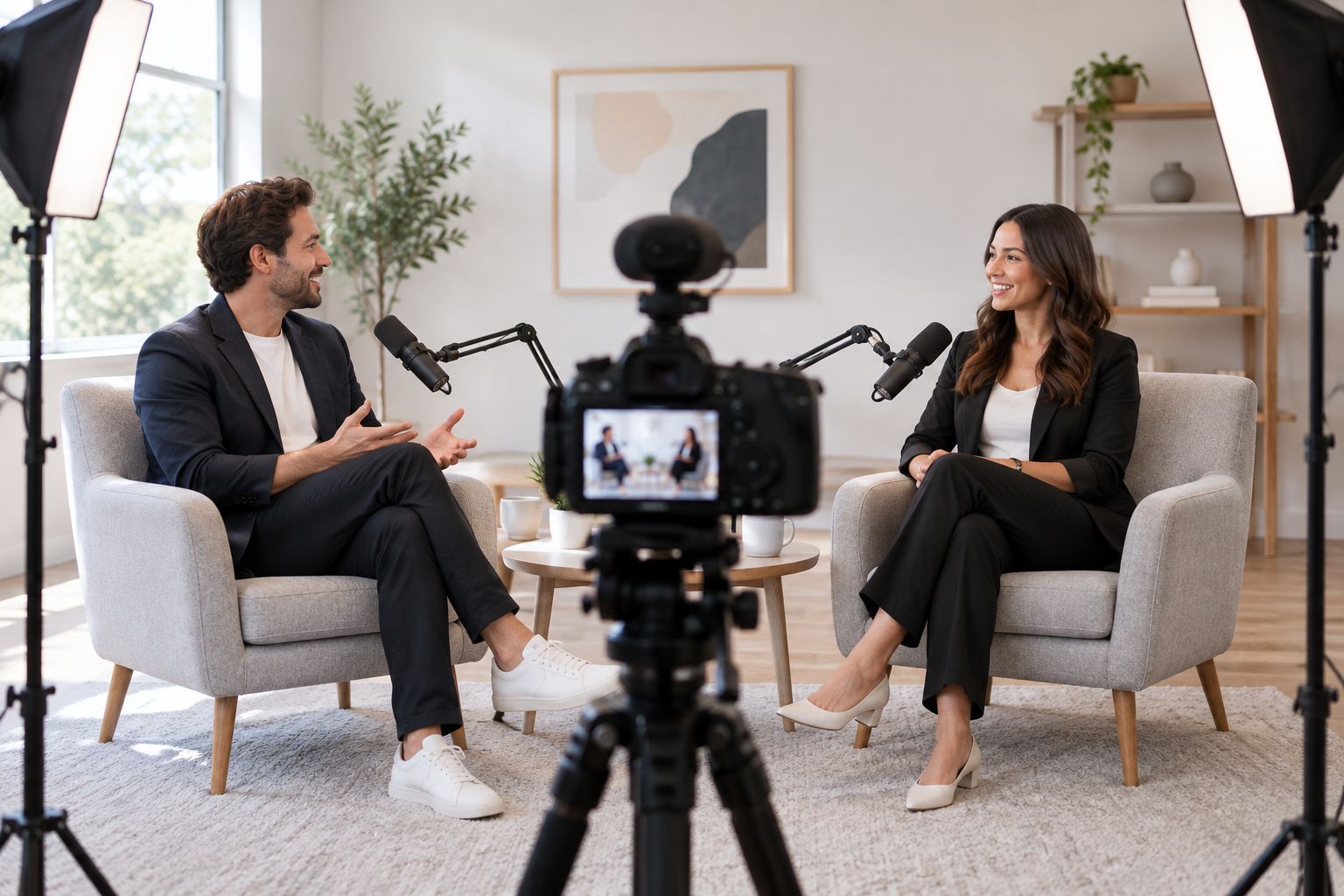
Prepare sound and framing before recording the full conversation.
For the manual route, organize your source files by topic and keep a written edit checklist. Decide what belongs in the main video and which sections work as standalone clips. A clip must still make sense without the preceding conversation.
Specify captions, titles, framing, and the final call to action before handing footage to an editor. Standard landscape video uses a 16:9 aspect ratio; portrait video commonly uses 9:16. These formats require different framing, so plan both rather than assuming every crop will work.
With a dedicated producer and engineer, explain the intended outputs before recording. The guaranteed 48-hour editing turnaround is useful for scheduling, but confirm its terms and your approval responsibilities rather than treating it as a promise about every possible deliverable.
Use the same approval checklist for each video:
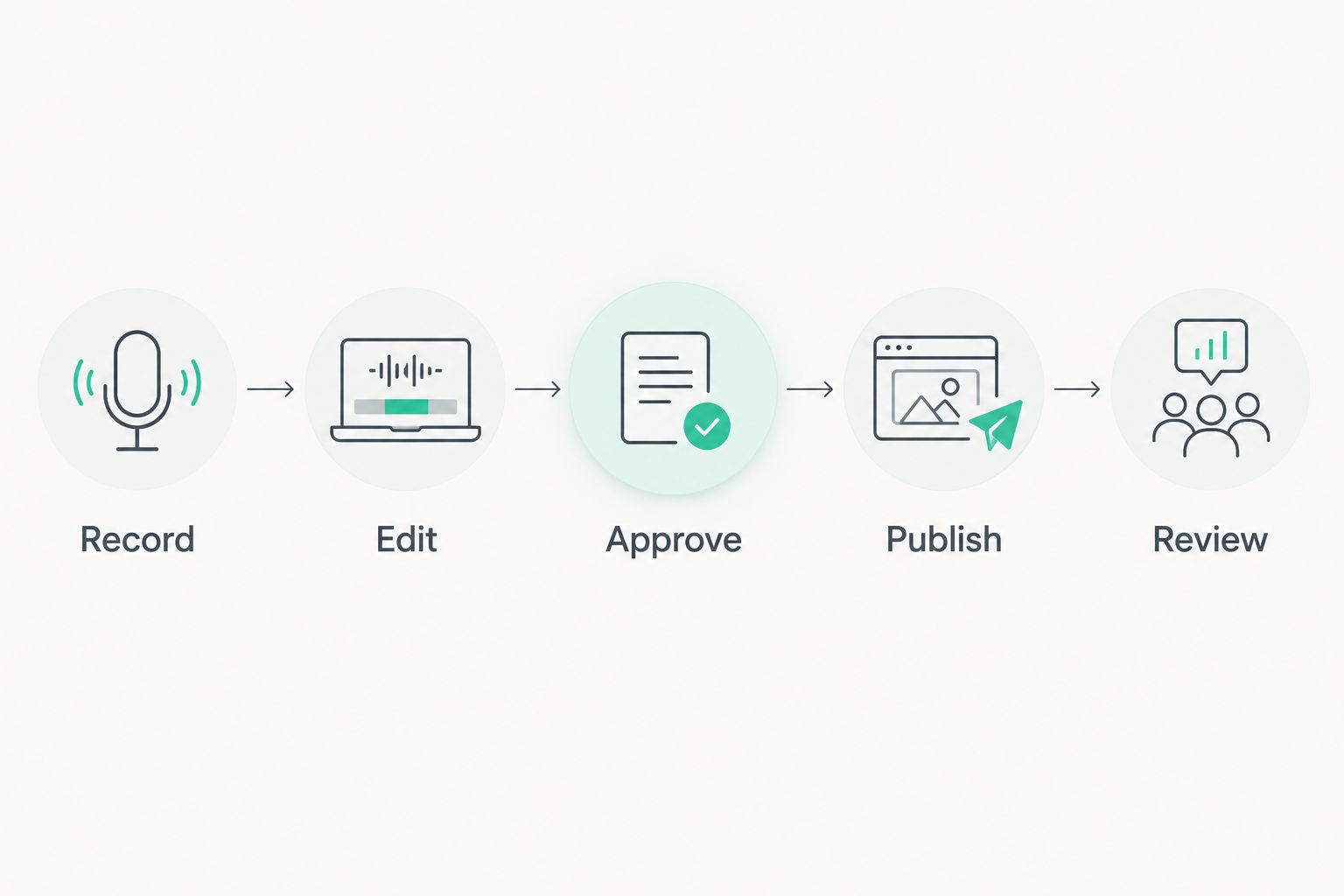
Approval sits between editing and publication so factual checks remain part of the workflow.
The manual measurement method is a tracking sheet. Record the topic, audience, publication date, intended action, and any inquiries connected to the video. Ask new contacts which content helped them decide to reach out.
For your 2026 reporting, separate attention from business outcomes. Views tell you whether a video received exposure; they do not establish whether the viewer needs your services. Track inquiries and appointments alongside viewing data without claiming every contact came from video.
Review what the audience asks next. If viewers repeatedly misunderstand the same point, revise the explanation rather than simply publishing more clips. Production support handles production; you remain responsible for judging whether the content answers client questions accurately.
Keep your measurement practical:
Choose the option that fits the footage you need and the work you want to keep. Studio production and property filming solve different problems. Neither replaces the other when your plan needs both.
DIY phone recording
Room-only studio rental
On-location production
Dialed Studios done-for-you studio production
DIY wins on direct control. Done-for-you production removes tasks from your workload, but it still requires your subject knowledge, approval, and participation. On-location work is the right category when the property's physical details are the subject.
Before choosing any option, request a clear scope covering recording, editing, output formats, revisions, and responsibilities. Compare the work included, not just access to equipment or a space.
Plan your real estate content
Discuss customized branded sets, dedicated production support, and a guaranteed 48-hour editing turnaround.
A seller researching how you handle preparation needs an explanation, not another property montage. Separate educational content from listing promotion so each video answers a recognizable question.
A reusable production template does not make every factual detail reusable. Check listing status, property descriptions, and dated commentary before republishing. Keep an owner responsible for those updates.
A polished interview cannot show a home's circulation, finishes, or exterior. Use studio recording for explanations and personal-brand content; arrange actual property capture when viewers need to see the home.
An editor can improve pacing without knowing whether a caption accurately describes the property or transaction. You must approve factual claims, permissions, and client-sensitive details before publication.
A widely viewed entertainment clip and a seller consultation video have different purposes. Evaluate each against its intended next action. Keep reach visible, but do not substitute it for qualified inquiries.
What's the best video production approach for a real estate agent?
The best approach matches the video's job: property footage for listings and clear explanations for expertise content. Choose DIY recording when you want to manage production yourself, or a done-for-you team when you want production tasks handled for you.
Can I start making real estate videos with my phone?
Yes, you can use your phone to test educational topics and practice clear delivery. Record a sound test, check framing, and verify the facts before publishing.
Is a studio better than filming at a property?
A studio is better suited to controlled interviews and educational recording; a property location is necessary when the home itself is the subject. Choose by content purpose rather than treating either setting as universally better.
What does Dialed Studios provide for real estate content?
Dialed Studios provides done-for-you podcast and video production in Denver, including fully customized branded sets, a dedicated producer and engineer, editing, and content strategy. Its stated editing commitment is a guaranteed 48-hour turnaround; confirm the terms for your project.
How long should a real estate video be?
A real estate video should run long enough to answer its specific question without unrelated material. A property tour and an explanation of a transaction issue need different structures, so define the content before choosing a duration.
How do I know whether my videos generate business?
Track qualified inquiries and appointments alongside viewing data, and ask contacts which content influenced them. Separate direct responses from broader exposure rather than attributing every inquiry to a video.
What should I check before publishing a listing video?
Check property descriptions, listing information, permissions, captions, and any visible private information before publishing. Recheck time-sensitive details when reusing the video.
Record the answer your next client needs, not the introduction you want to give. Before your next session, choose a question from an actual conversation and write its answer as the opening line.
For your 2026 workflow, keep the original question beside the edit checklist. If the finished video no longer answers it clearly, revise the cut. A customized set and professional editing support the message; neither replaces a useful answer.