Best Audio Editing Software for Podcasts in 2026
Descript, Adobe Audition, Reaper, and 3 more ranked for 2026 podcast editing, plus a done-for-you alternative with a 48-hour turnaround guarantee.

.svg)
.svg)
Best overall for solo hosts: Descript. Best for professional multitrack control: Adobe Audition. Best budget option: Reaper. Best for narrative and interview-style shows: Hindenburg Pro. Best done-for-you alternative: Dialed Studios' production team in Denver, who edit and deliver a finished episode within a guaranteed 48-hour turnaround.
TL;DR
Most podcasters lose more time to editing than to recording. A 45-minute conversation can take hours to clean up manually, and picking the wrong tool multiplies that time instead of cutting it.
The software you choose in 2026 depends on one honest question: do you want to edit, or do you want a finished episode? Dialed Studios works with founders and personal brands who'd rather hand the raw files to a dedicated producer and engineer and get a polished episode back in 48 hours. If you're editing yourself, the six tools below cover every workflow from quick transcript cuts to full spectral repair.
Before ranking anything, judge it against these criteria:
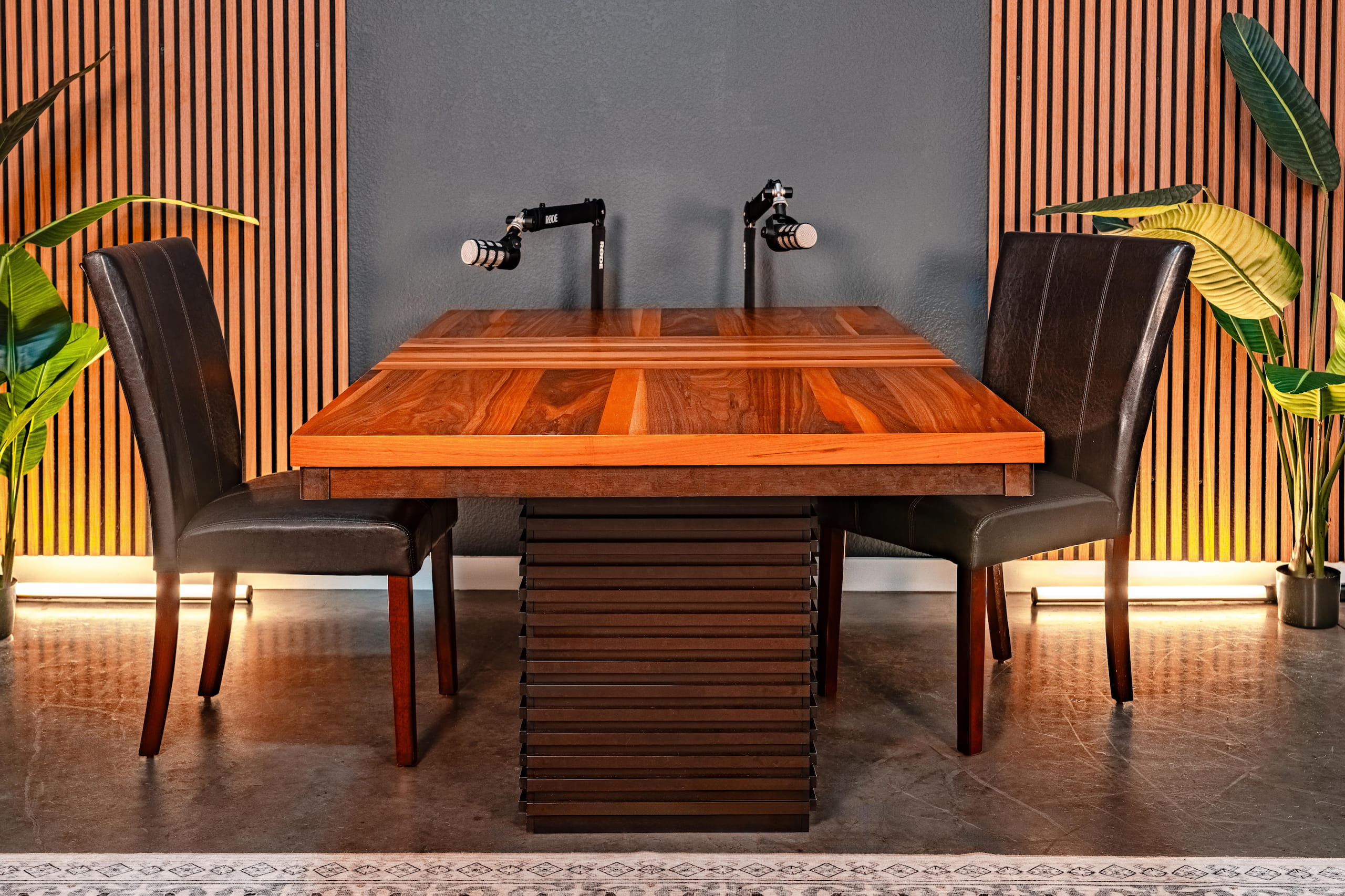
Most hosts pick a tool from the fast-cuts corner and outgrow it within a year.
Descript
Adobe Audition
Hindenburg Pro
Auphonic
Reaper
Dialed Studios editing
Descript transcribes your episode automatically and lets you cut audio by deleting text, which is the fastest way to remove filler words and long pauses. It also includes an AI voice-cleanup feature for fixing small mispronunciations without a full re-record.
Descript pros:
Descript cons:
Descript pricing: check current plans directly on Descript's site — tiers vary by export limits and features.
Best for: solo or two-host shows that want speed over granular control. Verdict: Buy if you record mostly solo or with one guest.
Audition is a professional multitrack DAW with spectral frequency display, letting you visually isolate and remove a specific noise (a cough, a chair squeak) without touching the rest of the waveform. It's built for people who already think in terms of tracks, buses, and EQ curves.
Adobe Audition pros:
Adobe Audition cons:
Best for: engineers or technical hosts who want total control over every frequency. Verdict: Buy if you already know your way around a mixing console; Skip if you just want fast cuts.
Hindenburg Pro was built specifically for spoken-word radio and podcast production, and it shows in its automatic voice-leveling feature, which keeps volume consistent across a conversation without manual compression on every clip.
Hindenburg Pro pros:
Hindenburg Pro cons:
Best for: narrative documentary shows and long-form interview podcasts. Verdict: Buy if consistent voice leveling across guests is your biggest pain point.
Auphonic isn't a full editor — it's a post-production layer that automatically normalizes loudness, reduces noise, and adds intro/outro music. Most hosts run their edited file through it as a final pass before uploading.
Auphonic pros:
Auphonic cons:
Best for: anyone who already edits in another tool but wants consistent final loudness. Verdict: Buy as a second tool, not a first one.
Reaper is a fully customizable, lightweight DAW that runs on almost any machine and can be configured to do nearly anything Audition does, at a fraction of the resource footprint.
Reaper pros:
Reaper cons:
Best for: technically comfortable hosts who want DAW-level control without a premium price tag. Verdict: Buy if you're willing to spend a weekend configuring it; Hold if you want something that works out of the box.
Dialed Studios isn't software — it's a full-service podcast and video production studio in Denver that assigns your show a dedicated producer and engineer instead of handing you another tool to learn. Episodes come back edited within a guaranteed 48-hour turnaround, recorded on a fully customized branded set rather than a generic room.
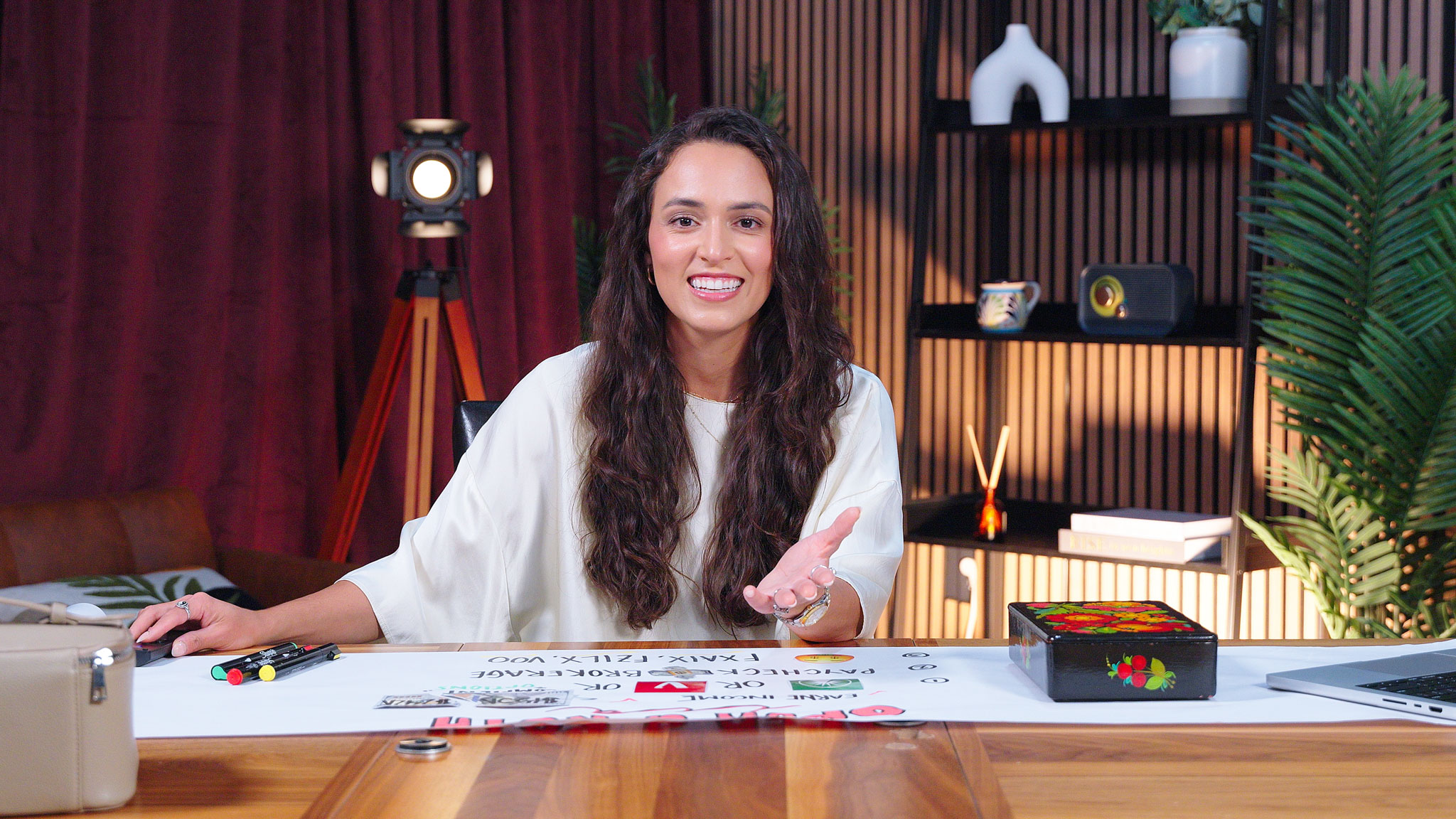
A dedicated producer and engineer handle the timeline so the host never opens editing software.
Dialed Studios pros:
Dialed Studios cons:
Best for: entrepreneurs and personal brands who'd rather record and hand off than edit. Verdict: Buy if your time is better spent on content strategy and guests than on a timeline.
Skip the editing software entirely
A dedicated producer and engineer edit your episode and deliver it within 48 hours.
Each tool was measured against the same six criteria: transcript editing, noise reduction, loudness normalization, multitrack support, export integration, and learning curve. Items further down the list get shorter writeups because their use case is narrower — Auphonic, for example, only does one job well and was never meant to replace a full editor.
If you record solo or with one guest and want speed, Descript is the right default in 2026. If you need surgical audio repair or run multi-guest panels, Adobe Audition earns the learning curve. Tight budget and comfortable with configuration: Reaper. Narrative or interview format: Hindenburg Pro. And if the honest answer is that you never wanted to learn editing software in the first place, that's what a dedicated producer and engineer at Dialed Studios is for.
What's the best audio editing software for podcasts in 2026?
Descript is the best overall pick for solo and two-host shows because it edits by text instead of waveform. Adobe Audition wins for engineers who need spectral repair and full multitrack control.
Is Descript better than Adobe Audition for podcasting?
Descript is faster for simple cuts and filler-word removal; Adobe Audition offers deeper spectral repair and multitrack mixing. Choose Descript for speed, Audition for technical control.
Do I need Hindenburg Pro if I already use Audition?
No. Hindenburg Pro's main advantage is automatic voice leveling for interview and narrative shows, which Audition can also do manually with more setup time.
What loudness level should a podcast be normalized to?
Most podcast platforms recommend roughly -16 LUFS for mono episodes and -14 LUFS for stereo. Tools like Auphonic automate this step.
Is Reaper hard to learn for podcast editing?
Reaper has a steeper starting curve than Descript because it ships with a bare interface you configure yourself. Once set up, it runs smoothly even on older machines.
Can I skip editing software entirely and hire someone?
Yes. Dialed Studios assigns a dedicated producer and engineer to edit and deliver your episode within a guaranteed 48-hour turnaround, so you never open an editor.
What's the difference between noise reduction and mastering?
Noise reduction removes unwanted sound like hums or room tone. Mastering is the final loudness and tonal balance pass applied after editing, which tools like Auphonic automate.
Does a branded set actually change episode quality?
A treated, custom-built set improves room acoustics and visual consistency, which reduces the noise-reduction work needed later regardless of which software edits the audio.
No plugin fixes a bad room. Editing software cleans up noise after the fact, but a boomy or untreated space still sounds worse than a treated one, no matter how much you spend on software in 2026. That's the argument for recording somewhere built for audio in the first place, rather than trying to fix it in post every single week.